10.0.0.1 Admin Login for Comcast/Xfinity Gateways
📋 Contents
- Why Xfinity Uses 10.0.0.1
- How to Log In at 10.0.0.1
- Default Xfinity Username & Password
- What You Can Change
- Using the Xfinity App Instead
- If 10.0.0.1 Will Not Open
- Frequently Asked Questions
Quick Answer: Connect to your Xfinity WiFi, open http://10.0.0.1 in a browser, then sign in to the Admin Tool. The default username is admin and the password is usually password; if that fails, check the sticker on the gateway. From there you can change the WiFi name, set a guest network, and add parental controls. You can also manage the same settings in the Xfinity app.
Why Does Xfinity Use 10.0.0.1?
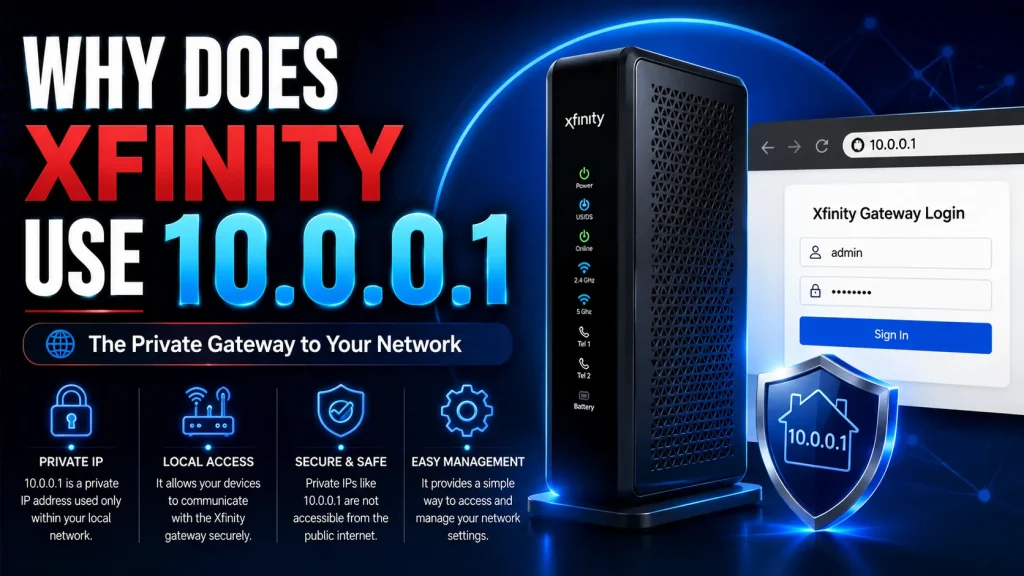
An Xfinity gateway is a combined modem and router. Comcast sets its built-in admin page to 10.0.0.1 by default. This is a private address that works only on your own home network. It never appears on the public internet, which keeps your settings safe.
You can read why these addresses stay local as a private IP address.
How Do You Log In at 10.0.0.1?
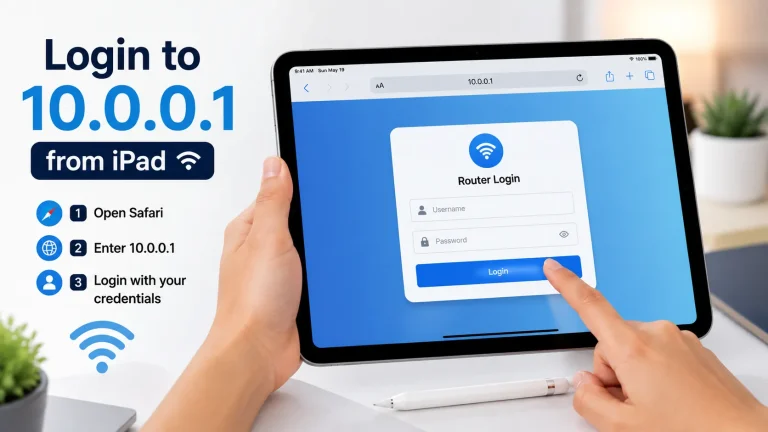
Connect to your Xfinity WiFi, open a browser, and type http://10.0.0.1. The Admin Tool login page opens in seconds. Enter the username and password, then click Login to reach the dashboard. This is the same 10.0.0.1 admin login page Xfinity users open to manage WiFi.
What Is the Default Xfinity Username and Password?
The default Xfinity Admin Tool login is the username admin with the password password. If that pair is rejected, the sticker on your gateway shows the correct details. Change it to a strong password right after you log in. This keeps neighbours off your admin page.
| Field | Default |
|---|---|
| Admin URL | http://10.0.0.1 |
| Username | admin |
| Password | password |
If password does not work, check the sticker on your gateway.
What Can You Change in the Admin Tool?
The Admin Tool controls every part of your home network. You can rename the WiFi, set a guest network, and see connected devices. You can also add parental controls and open ports for games or servers. Each change saves from the same dashboard at 10.0.0.1.
For the full sign-in walkthrough, see our step-by-step admin login guide.
Can You Use the Xfinity App Instead?
Yes. You can manage the same gateway with the Xfinity app. Sign in with your Xfinity account, not the 10.0.0.1 admin password. The app and the web page control the same settings. Many people prefer the app for quick WiFi changes on the go.
The app is handy when you are away from a computer. The web page at 10.0.0.1 still gives the most complete set of controls.
Why Will 10.0.0.1 Not Open on Xfinity?
The usual cause is being off the Xfinity network, or your browser forcing HTTPS. Make sure you are on Xfinity WiFi, not mobile data. Type the address with the http prefix. If the page is frozen, restart the gateway and try again.
Frequently Asked Questions (2026)
What is the default password for 10.0.0.1 Xfinity?
The default username is admin and the password is usually password. If that fails, check the sticker on your gateway.
Is 10.0.0.1 the same as the Xfinity app?
They control the same gateway. The web page at 10.0.0.1 uses the admin password, while the app uses your Xfinity account login.
How do I change my Xfinity WiFi name at 10.0.0.1?
Log in at 10.0.0.1, open Gateway then Connection and WiFi. Edit the network name and save.
Why can I not log in to 10.0.0.1 on Xfinity?
You must be connected to the Xfinity network. Use http://10.0.0.1, avoid mobile data, and restart the gateway if the page is frozen.
Can I reset my Xfinity gateway password?
Yes. Press the reset button on the gateway for about 15 seconds. This restores the default admin login on the device.